
Upload large files from your browser
Uploading a large file through a website usually fails at the worst moment: a time limit, a size limit or a dropped connection. net2ftp sends files in pieces, so uploads of any size continue where they stopped.
How it works
- Files are sent in pieces, two files at a time, with progress for each file.
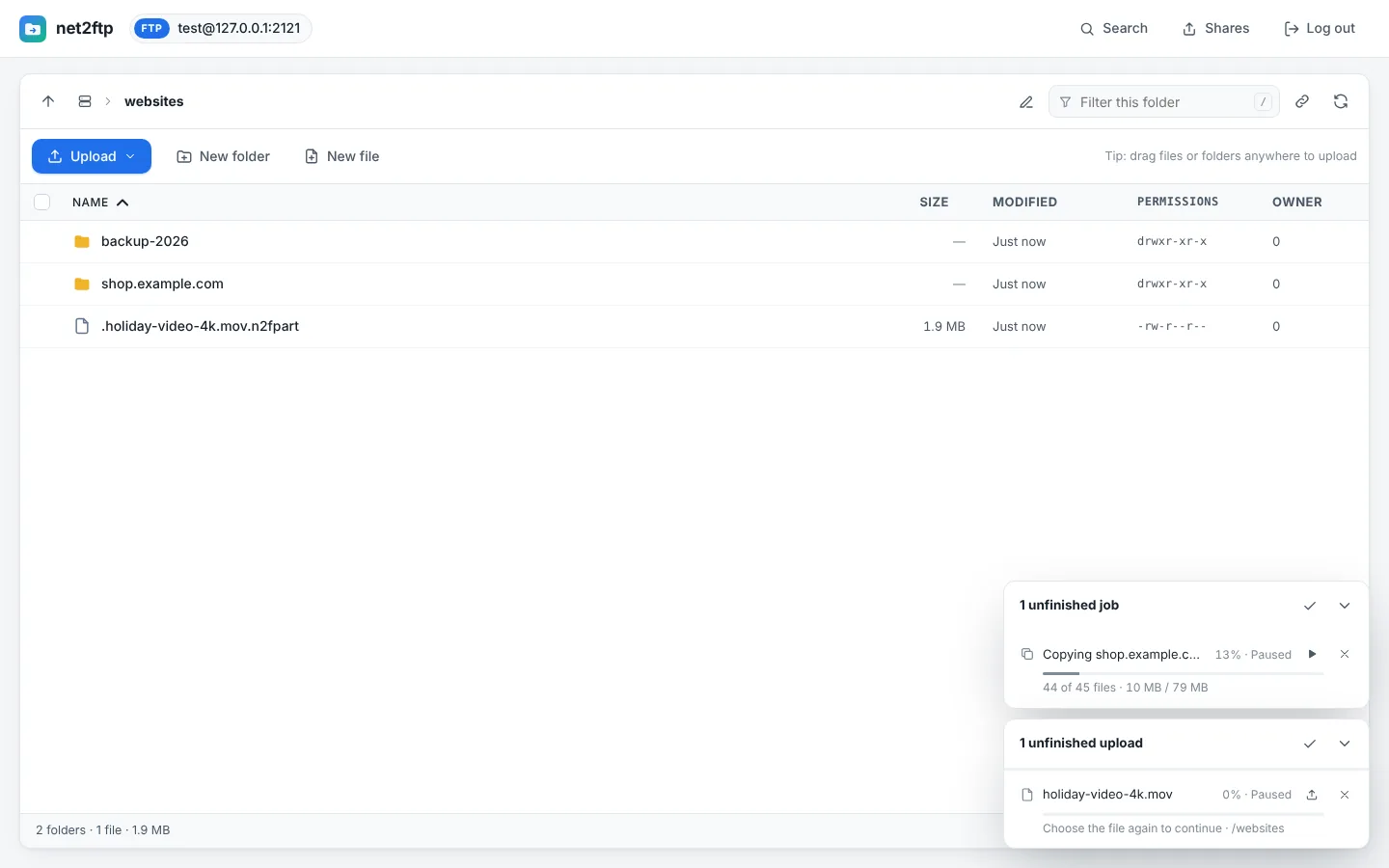
- If the upload is interrupted (network error, closed laptop, closed browser), upload the same file to the same folder again: it continues where it stopped, also in a later session.
- Unfinished uploads are listed after you log in, so you know what is left.
- Drag a whole folder onto the page: its structure is kept on the server.
Step by step
- Log in to your FTP, SFTP or Amazon S3 server.
- Open the folder where the files should go.
- Drag the files or folders onto the page, or click Upload.
- Keep the page open until the progress is complete. If something goes wrong, simply upload the same file again.
Tips for very many or very large files
- Many small files (a website, a photo collection): zip them on your computer, upload the one zip file, and use Extract to unpack it on the server. That is much faster than thousands of single uploads.
- Amazon S3: large files are uploaded in parts; copies of files over 5 GB are made inside S3.
- Downloads of large files can be resumed by your browser. Folders are downloaded as one zip file that starts at once, whatever the size.