
Online FTP client: your files in a browser tab
net2ftp lets you work on any FTP or FTPS server from your browser: upload, download, edit, move and share files without installing an FTP program. It is free, open source and works on any computer, tablet or phone.
What you can do
- Upload files and whole folders by dragging them onto the page. Large uploads continue where they stopped.
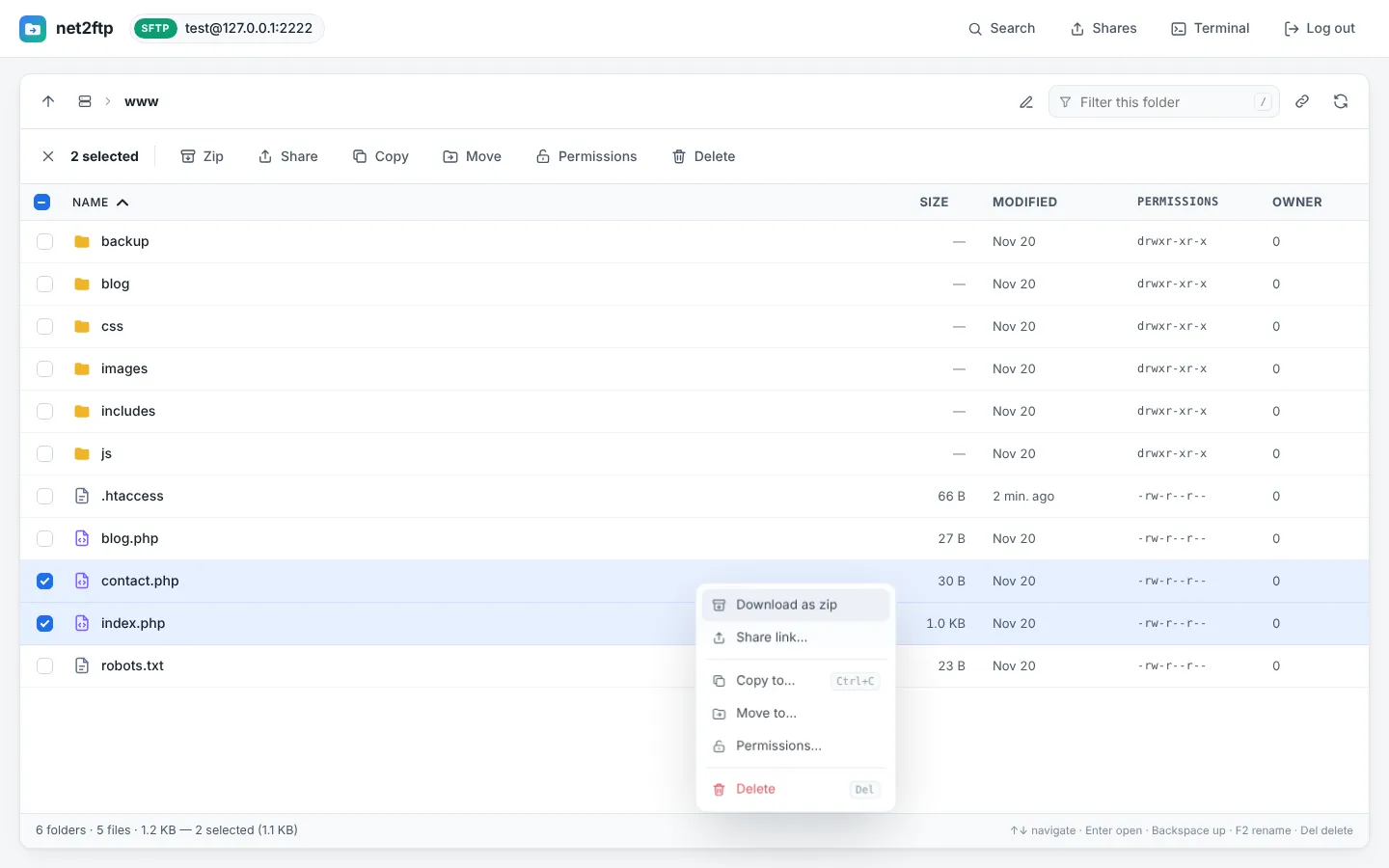
- Download single files, or any selection of files and folders as one zip file.
- Edit HTML, PHP, CSS, JavaScript and configuration files in a code editor with syntax highlighting.
- Copy, move, rename and delete folders of any size, with progress, pause and resume.
- Search for text in a whole folder tree, change permissions (chmod) and extract zip and tar archives on the server.
- Share files with an expiring download link, with an optional password.
How it works
- Open the login page and choose FTP.
- Enter your server (for example
ftp.example.com), user name and password. Your hosting provider’s welcome e-mail has them. - Click Connect. That’s all: there is no account to create.
Why use FTP in the browser?
- Nothing to install or update: handy on a work computer where you can’t install software, on a borrowed laptop or on a phone.
- Works where FTP is blocked: many company and hotel networks block FTP but allow websites. net2ftp talks to your server for you.
- The same everywhere: Windows, Mac, Linux, Chromebook, Android and iPhone, in 11 languages, in light and dark mode.
Safe to use
Your password is only used to connect to your server. It is kept encrypted while you are logged in, never written to disk in clear text and never put in links. Before you send it, you can check the server’s fingerprint. If your server supports it, switch on FTP over TLS under Advanced options so that everything is encrypted; read FTP, FTPS or SFTP? to see why that matters.