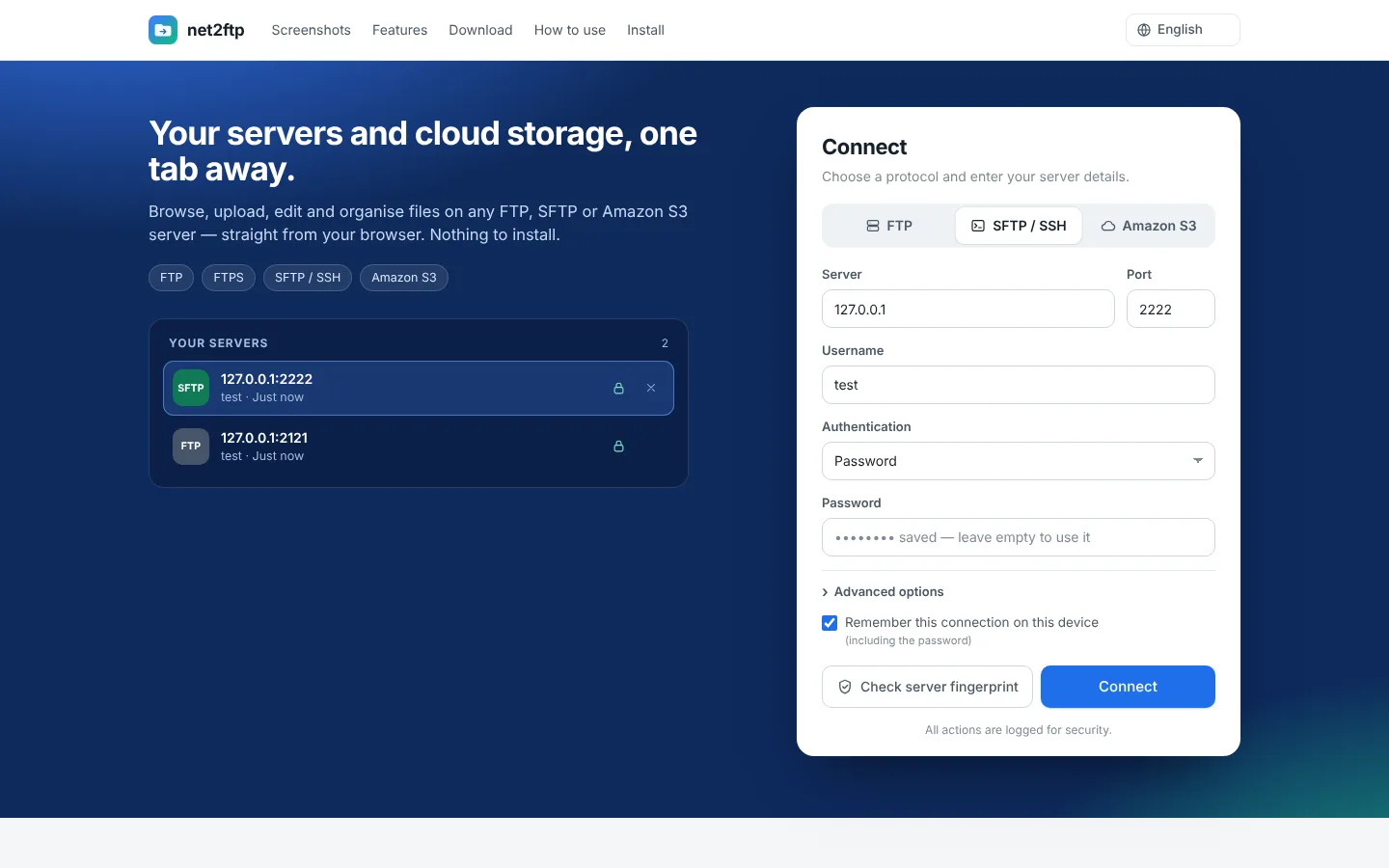
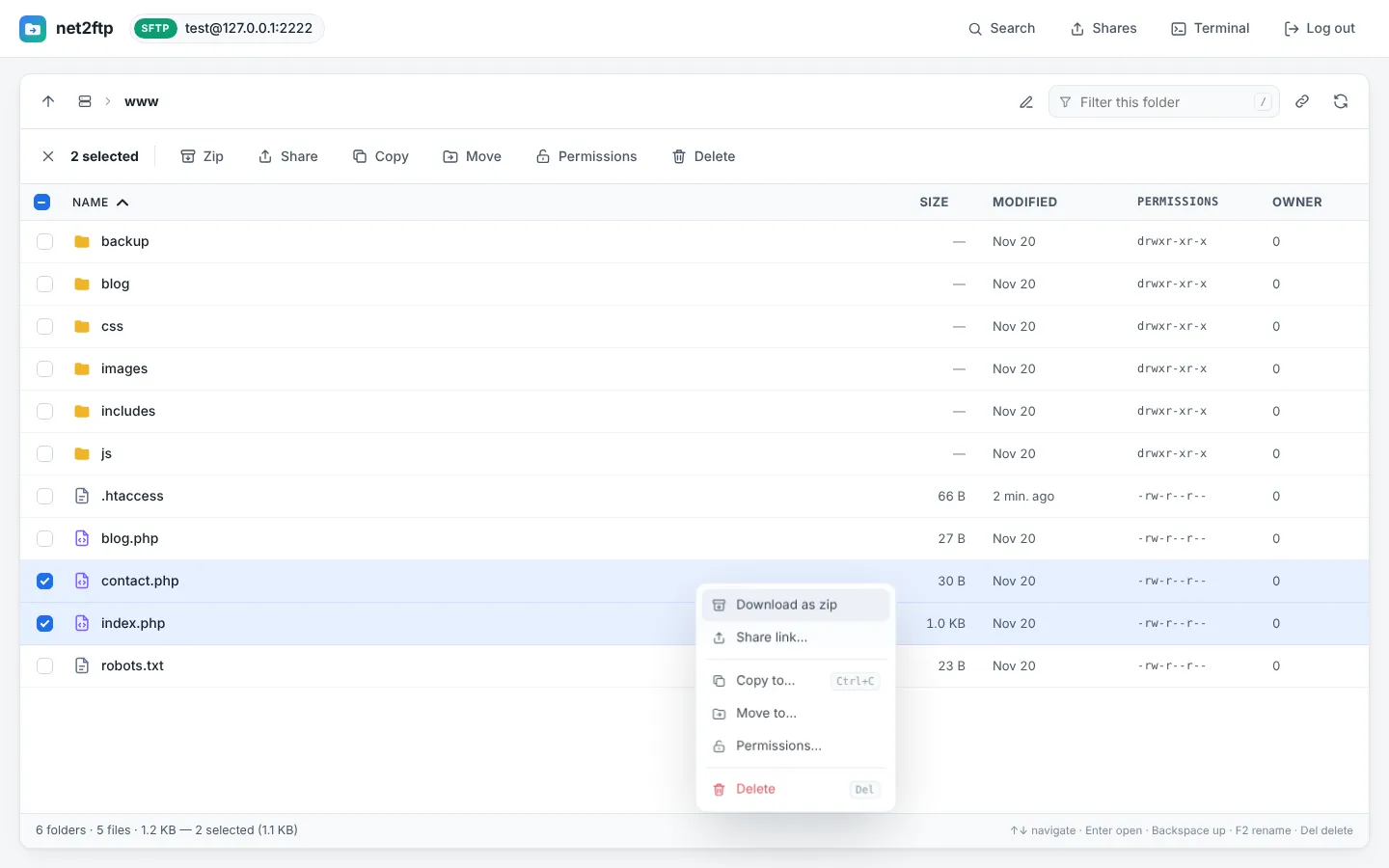
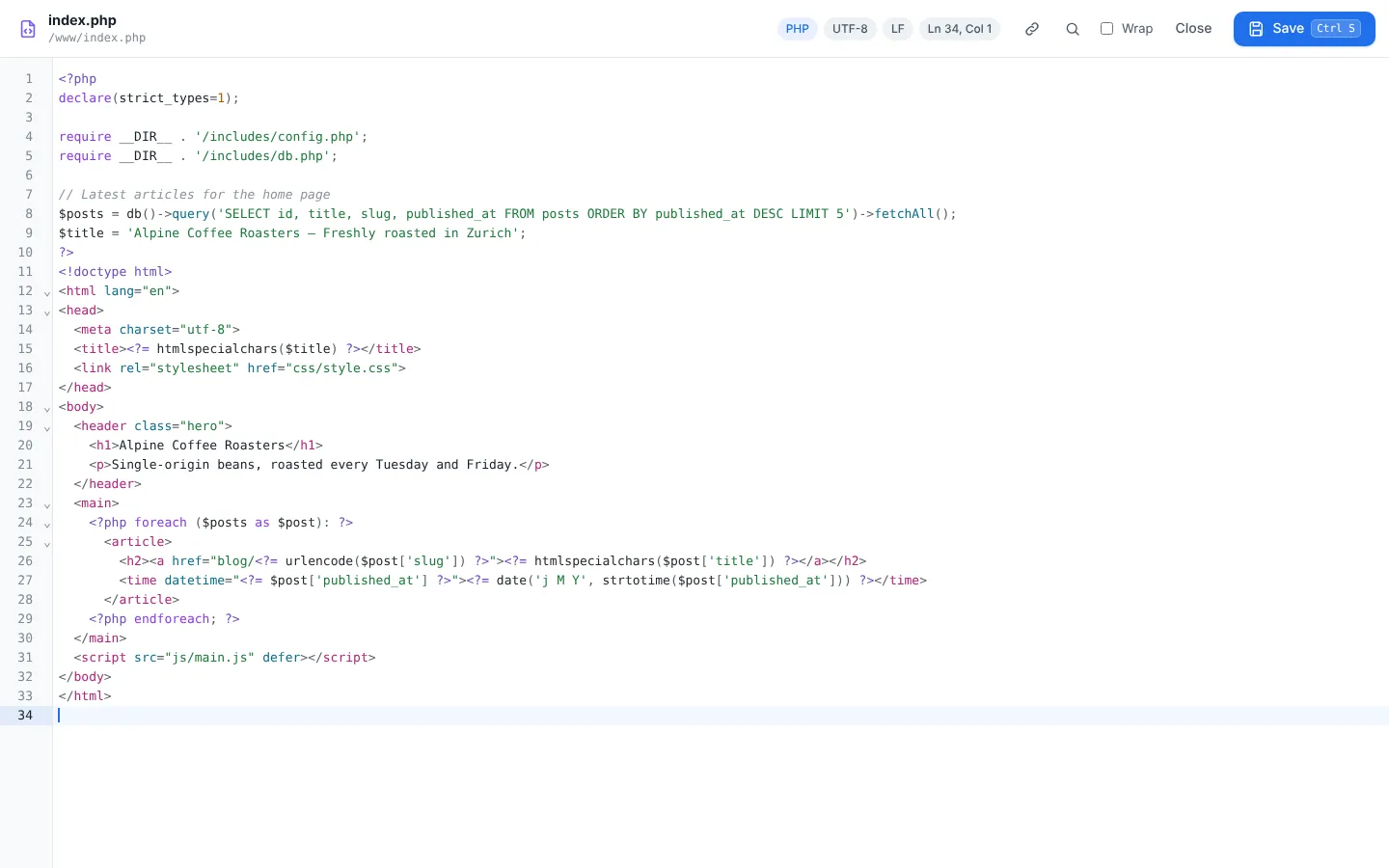
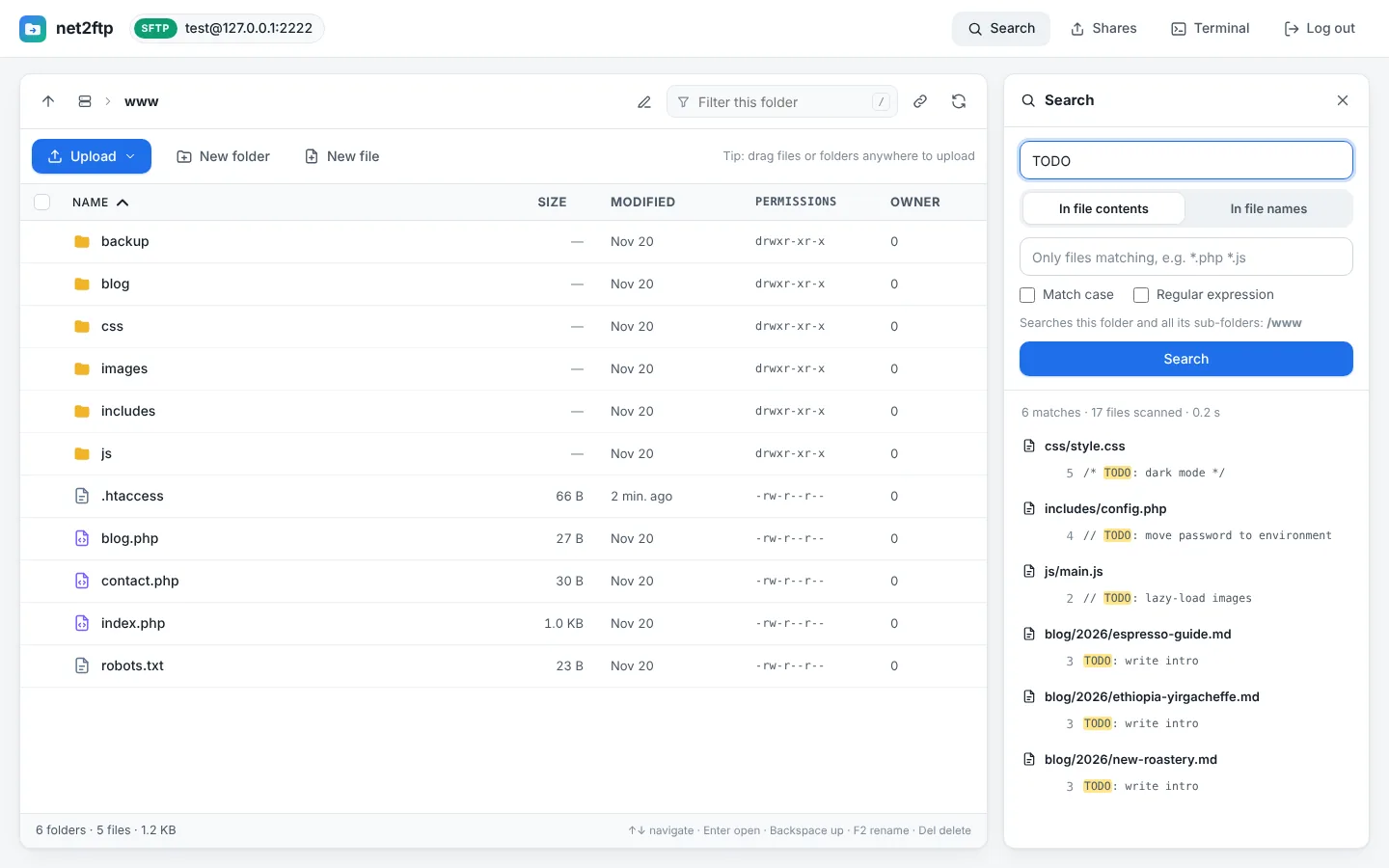
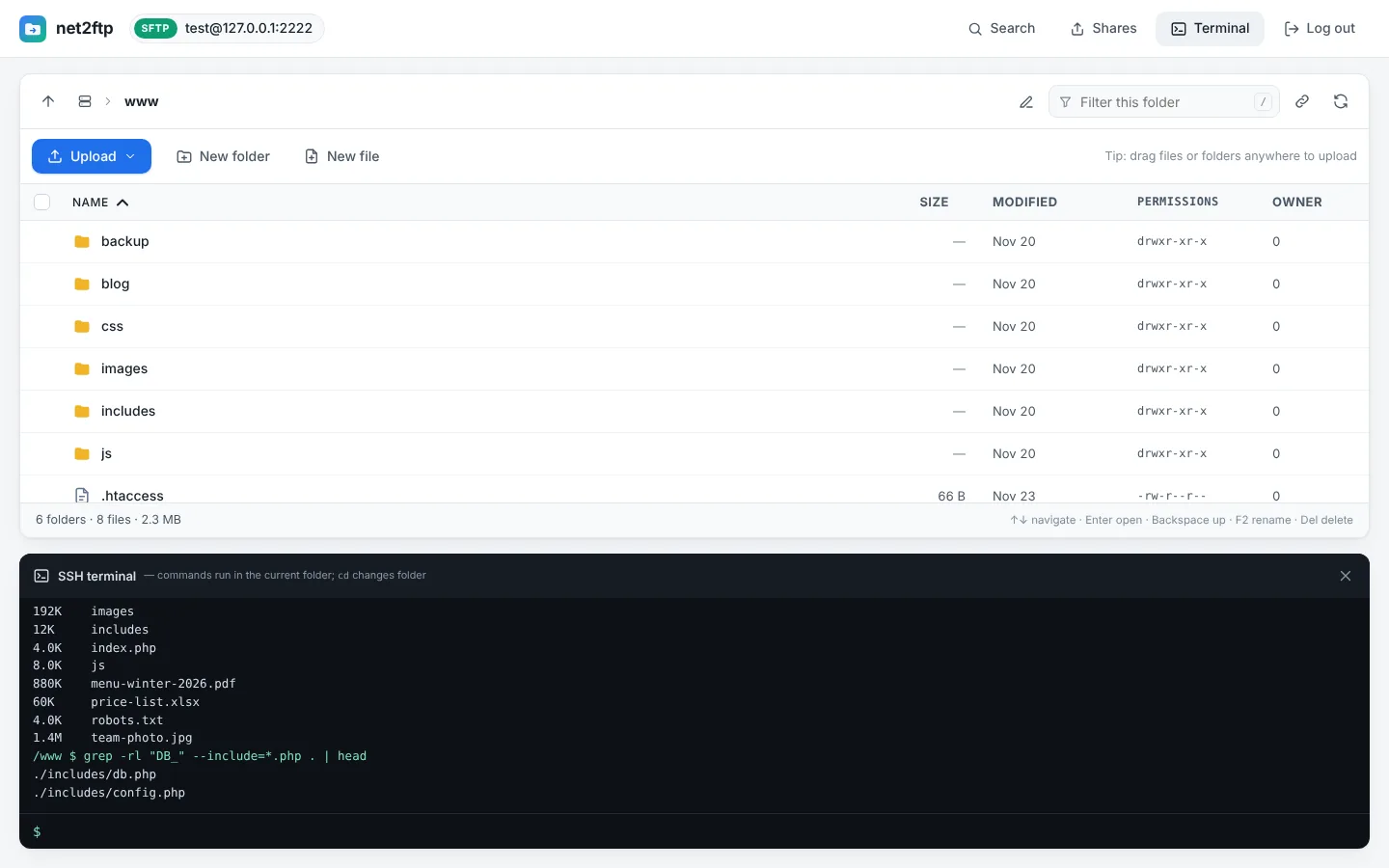
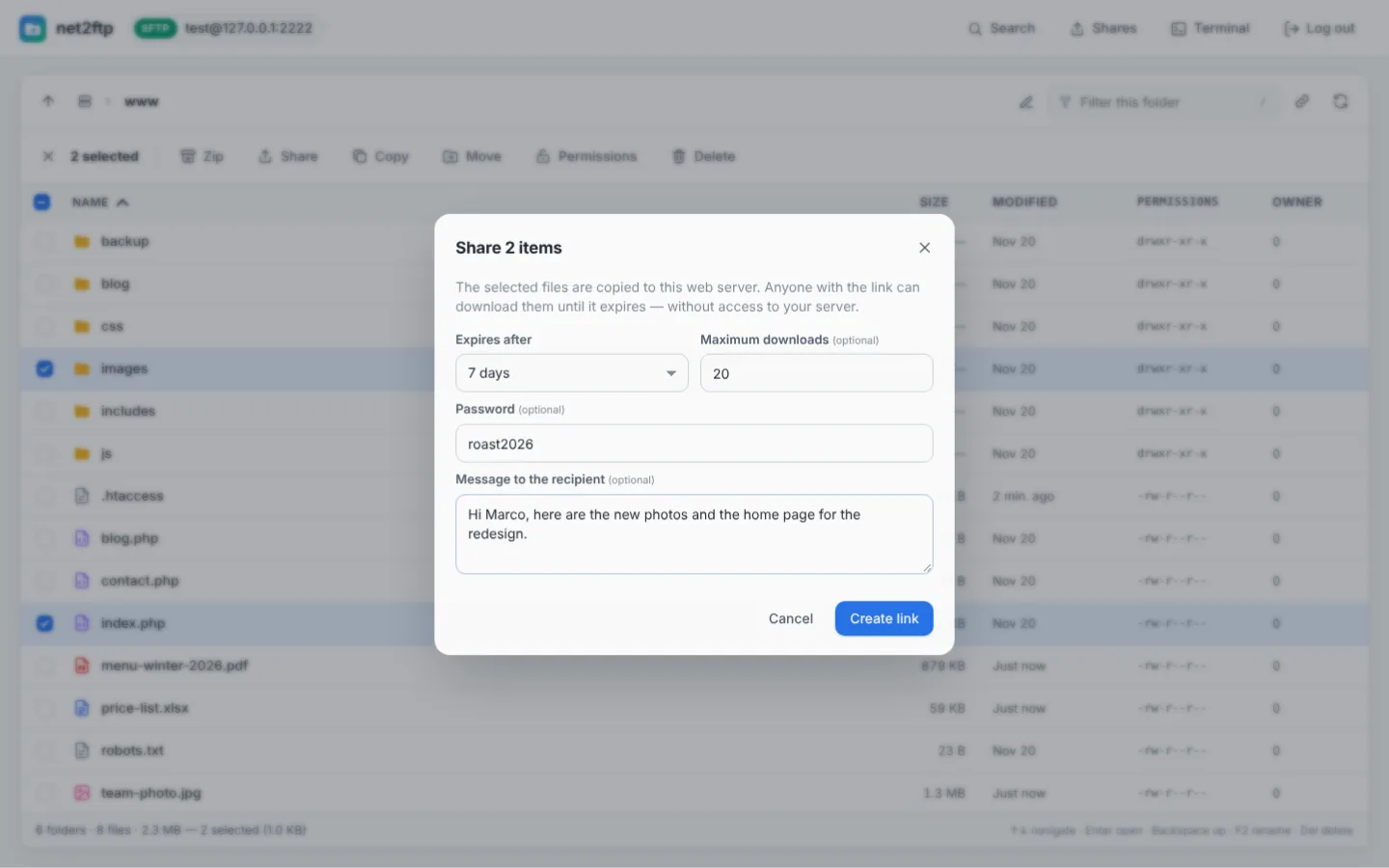
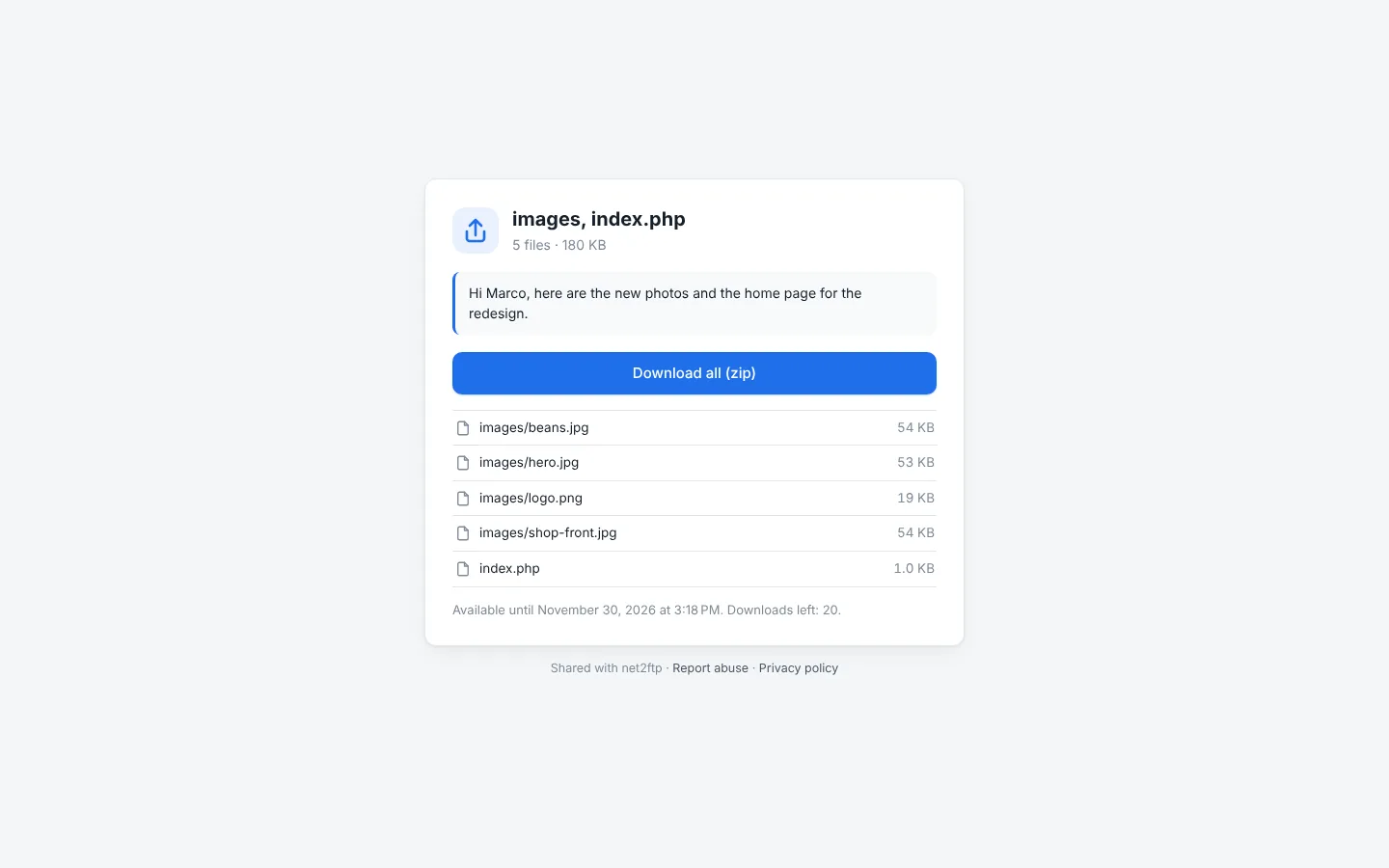
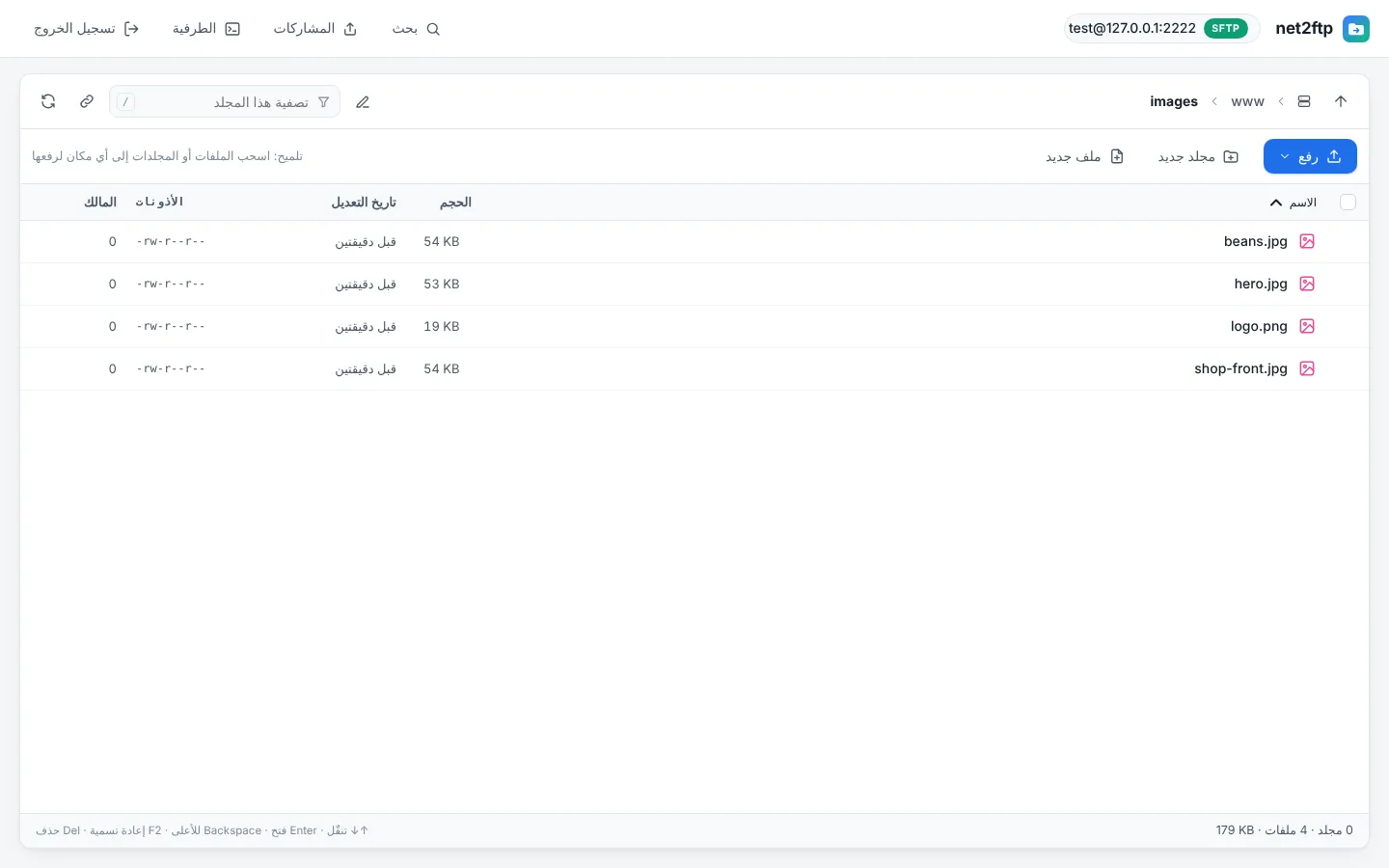
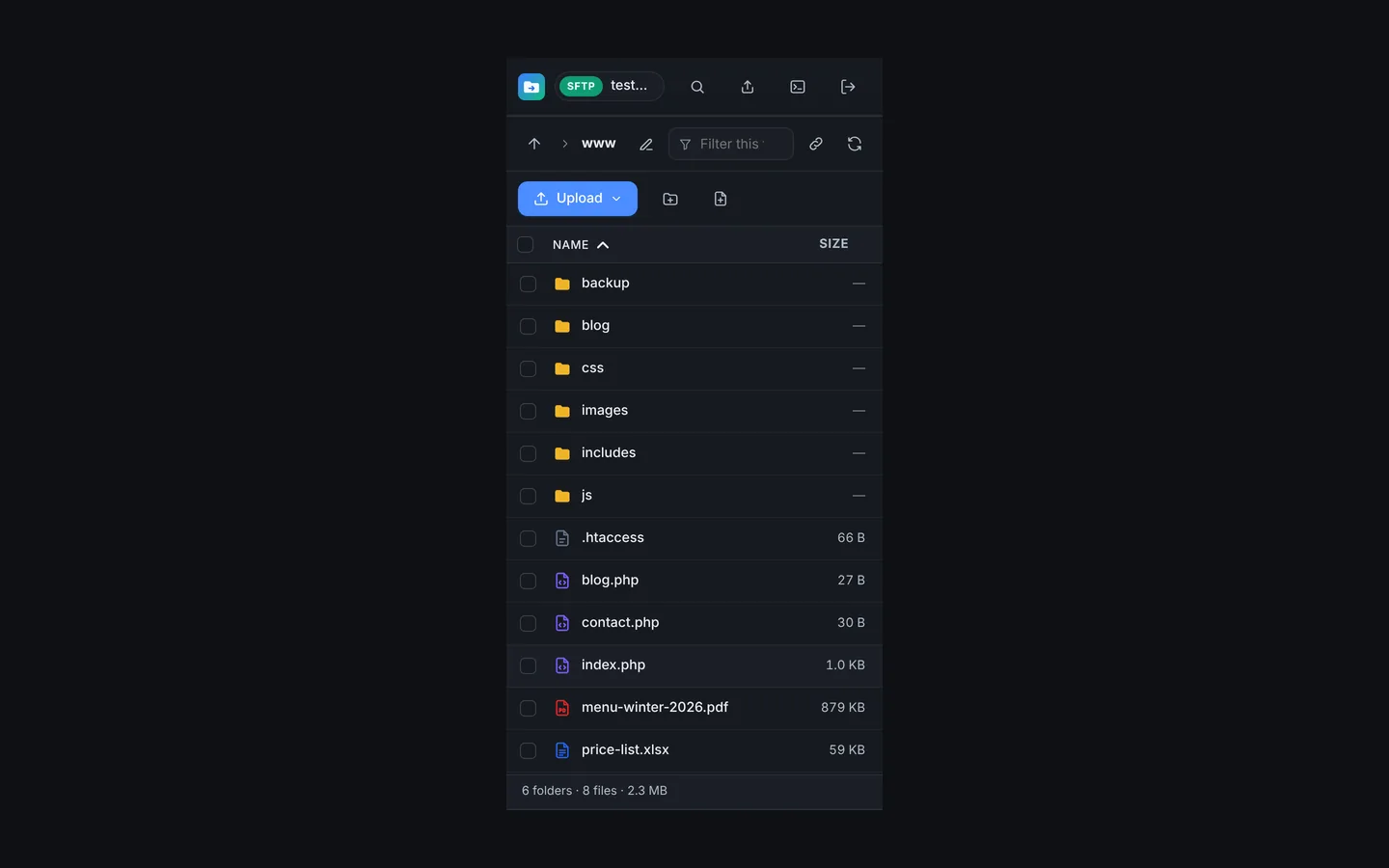
This is what net2ftp looks like. Click a picture to see it full size.
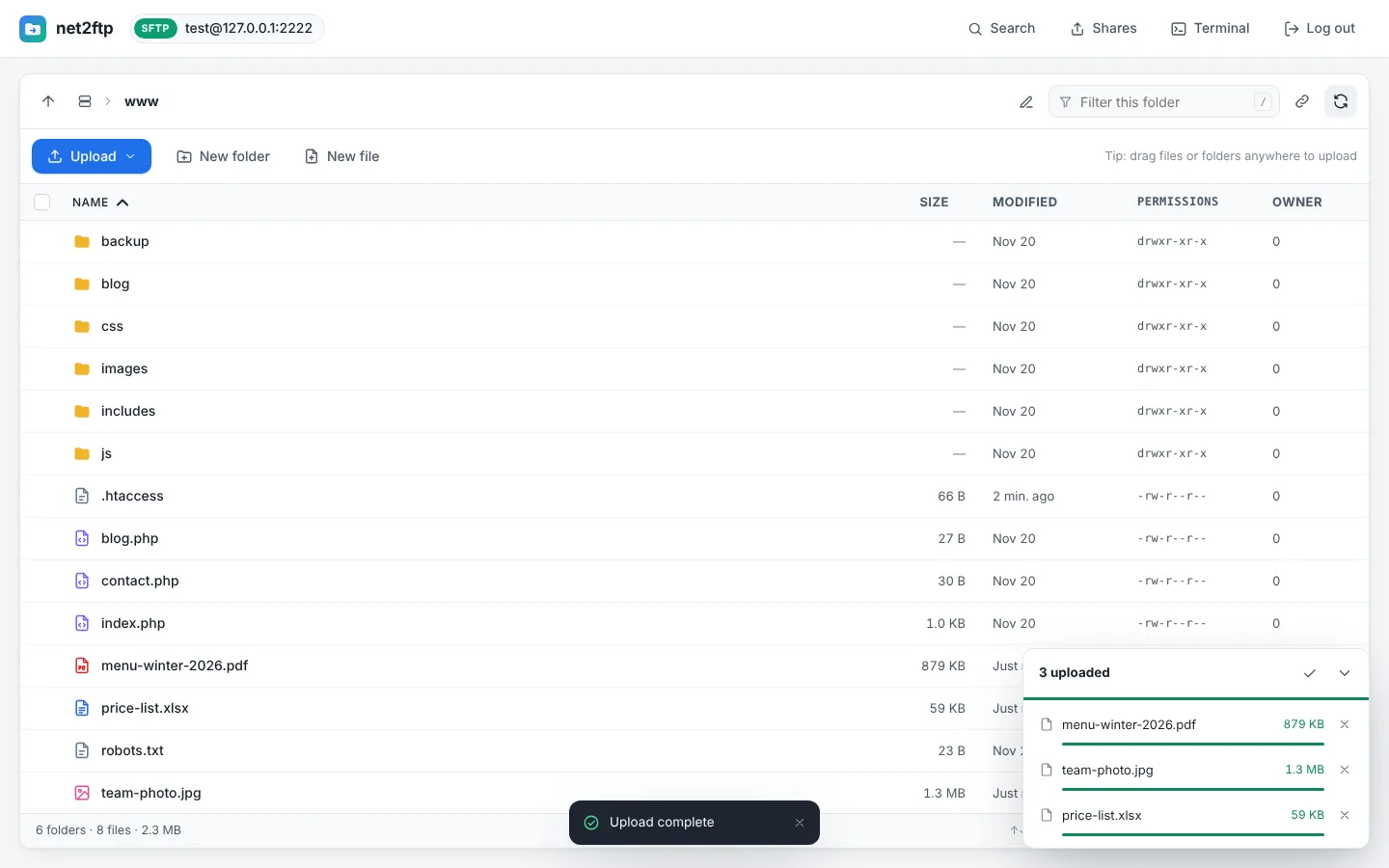
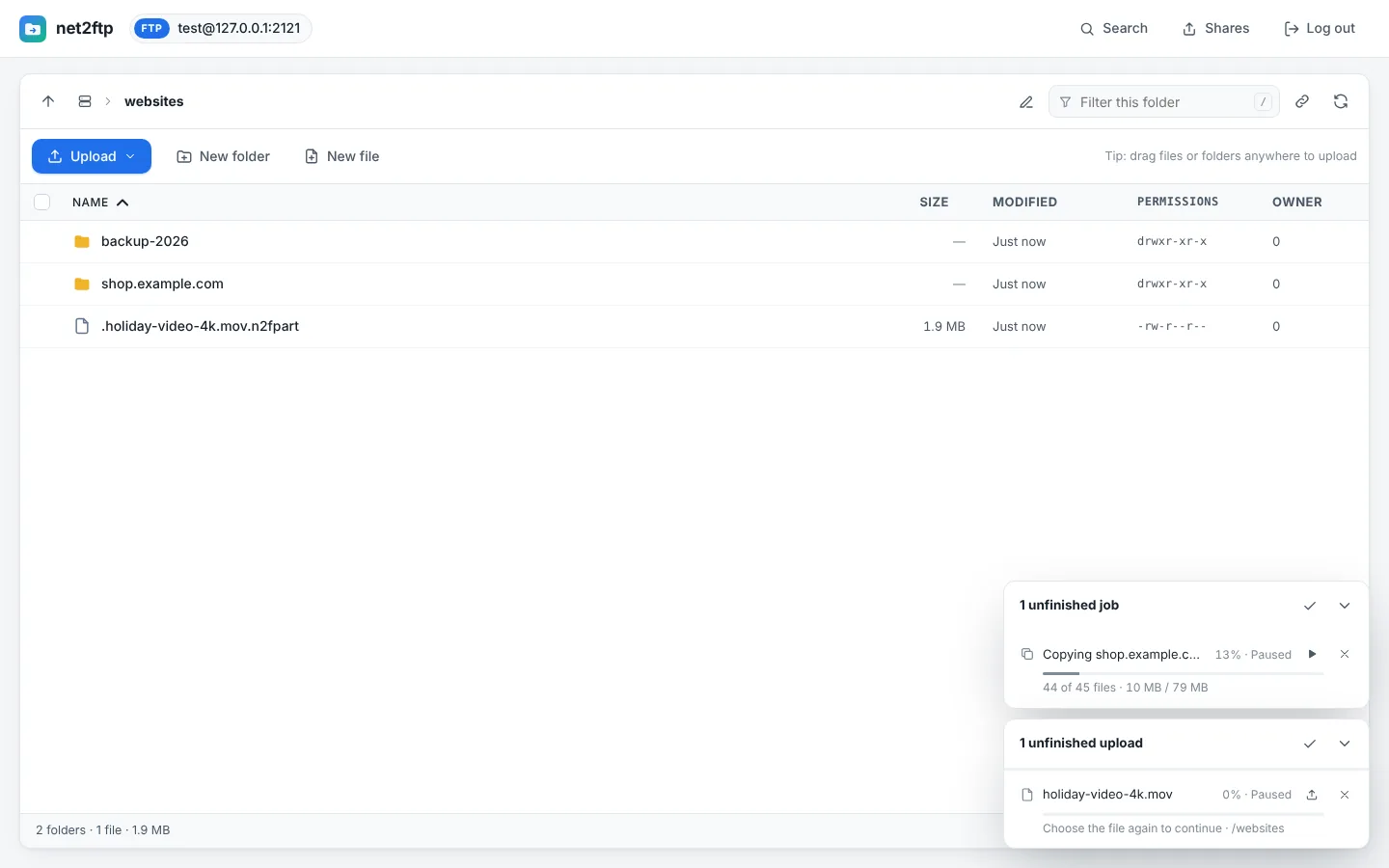
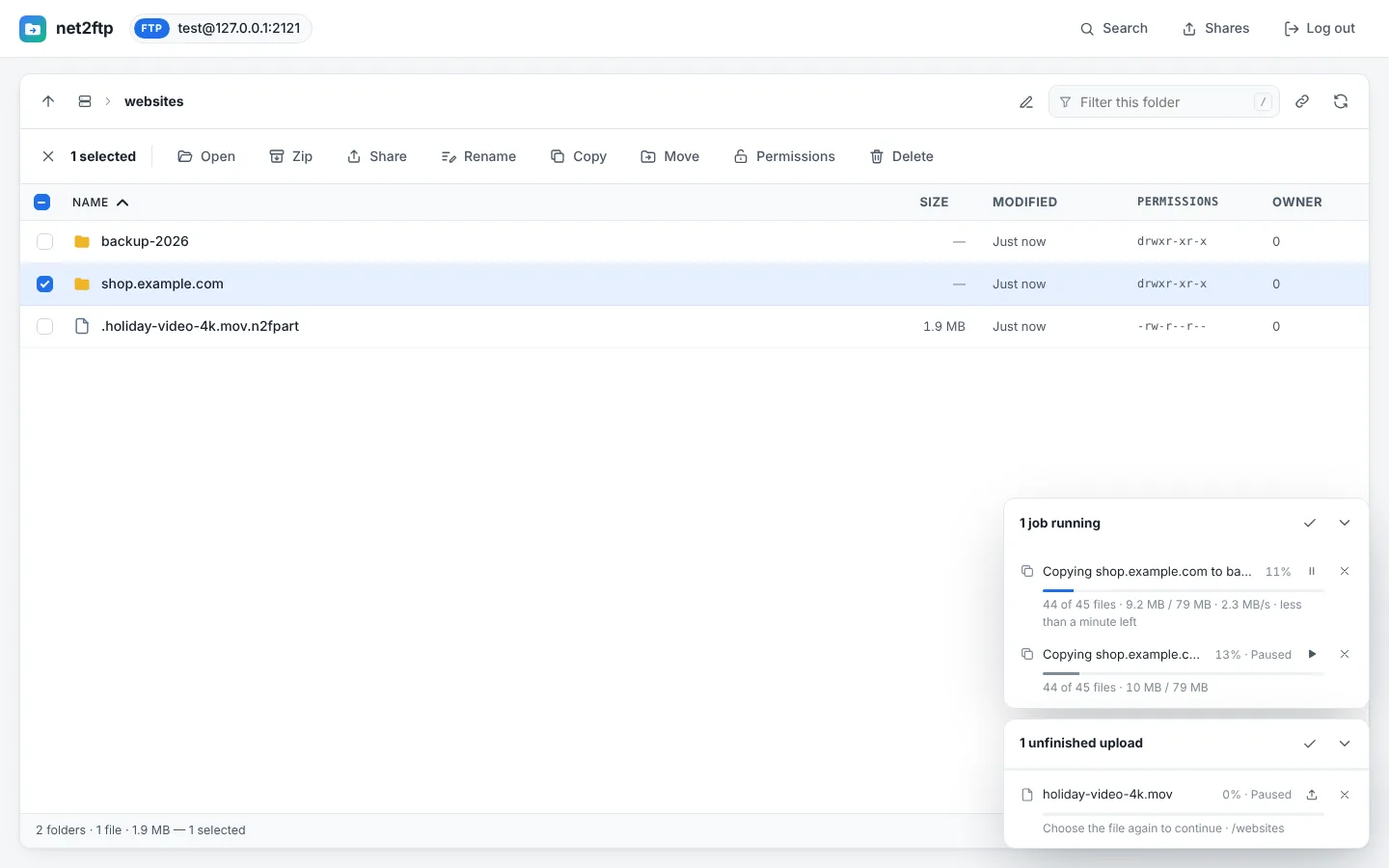
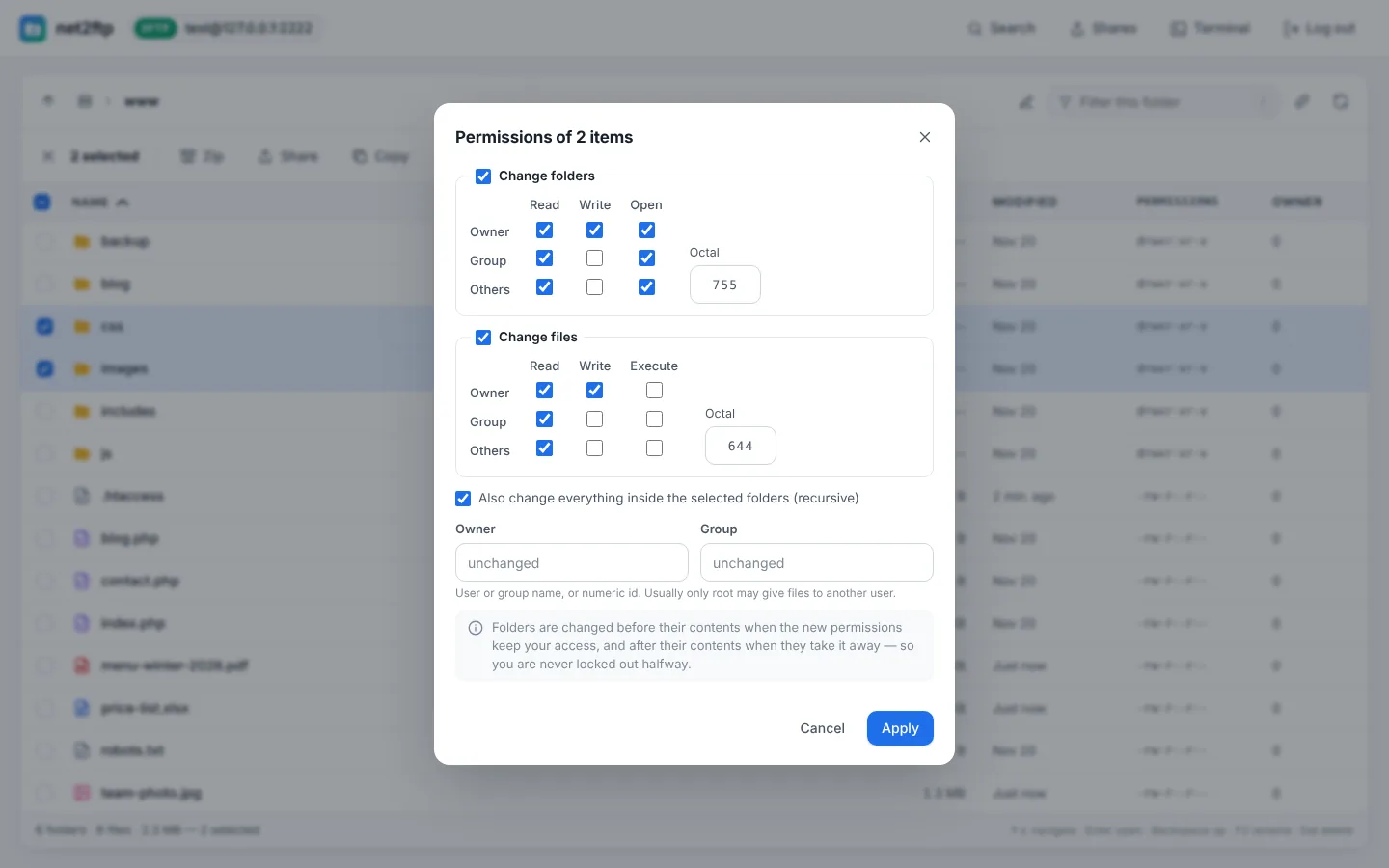
Log in Choose FTP, SFTP or Amazon S3. You can check the server fingerprint before sending your password.Browse A fast file list with sorting, filtering, multi-select and a context menu.Edit The code editor with syntax highlighting, search and replace, and line numbers.Search Find text in a whole folder tree; click a result to open the file at that line.Upload Drag files or folders onto the page; progress for every file.Resume uploads An upload interrupted by a closed browser is offered again after the next login: choose the file to continue.Copy jobs Copy, move or delete folders of any size: progress, speed and time left, with pause and resume.Permissions Change permissions of many files and folders at once, recursively.SSH terminal Run commands on an SFTP server in the current folder, next to the file list.Share links Create an expiring download link with a password and a download limit.Download page What the recipient of a share link sees.In your language Eleven languages, with a mirrored layout for Arabic and Hebrew.On your phone The same features on a small screen, here in dark mode.