
Web-based SFTP client with SSH terminal
Manage the files on your SFTP server from your browser, and run shell commands next to them. net2ftp supports passwords and private keys, checks the server’s identity, and works with Linux and Windows servers.
SFTP in your browser
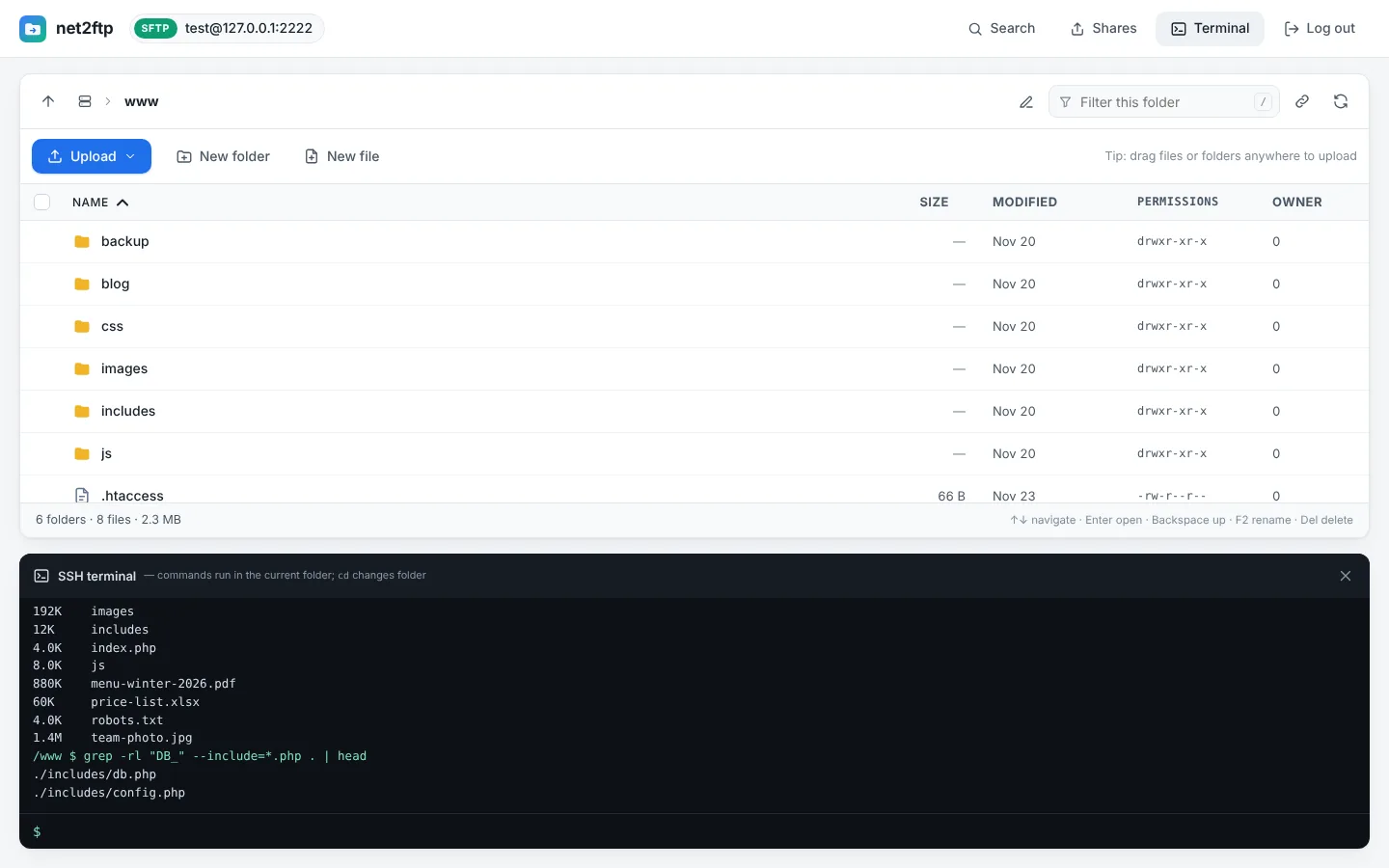
SFTP is file transfer over SSH: the whole connection is encrypted, through the one port your server already uses for SSH (usually 22). With net2ftp you get the file manager of a desktop SFTP program without installing one: browse, upload and download (also whole folders, also resumable), edit files, change permissions and owners, extract archives and create share links.
Log in with a password or a key
- Password: the same user name and password you use for SSH.
- Private key: paste an RSA, ECDSA or Ed25519 key, with its passphrase if it has one. The key is only used to log in and is kept encrypted while you are logged in.
- Fingerprint check: see the server’s host key before you log in, and get a warning if it ever changes.
An SSH terminal next to your files
On servers that allow it, Terminal runs shell commands in the folder you are looking at: create an archive with tar, check disk usage with du, clear a cache, run a database dump or a Composer command. cd also changes the folder in the file list. Commands run one at a time; interactive programs such as editors or top don’t work there.
When to choose SFTP
If your server offers SFTP, use it: it is encrypted, needs only one port and is easy to get through firewalls. Many web hosts offer it alongside FTP, sometimes under the name “SSH access”. See FTP, FTPS or SFTP? for a comparison.